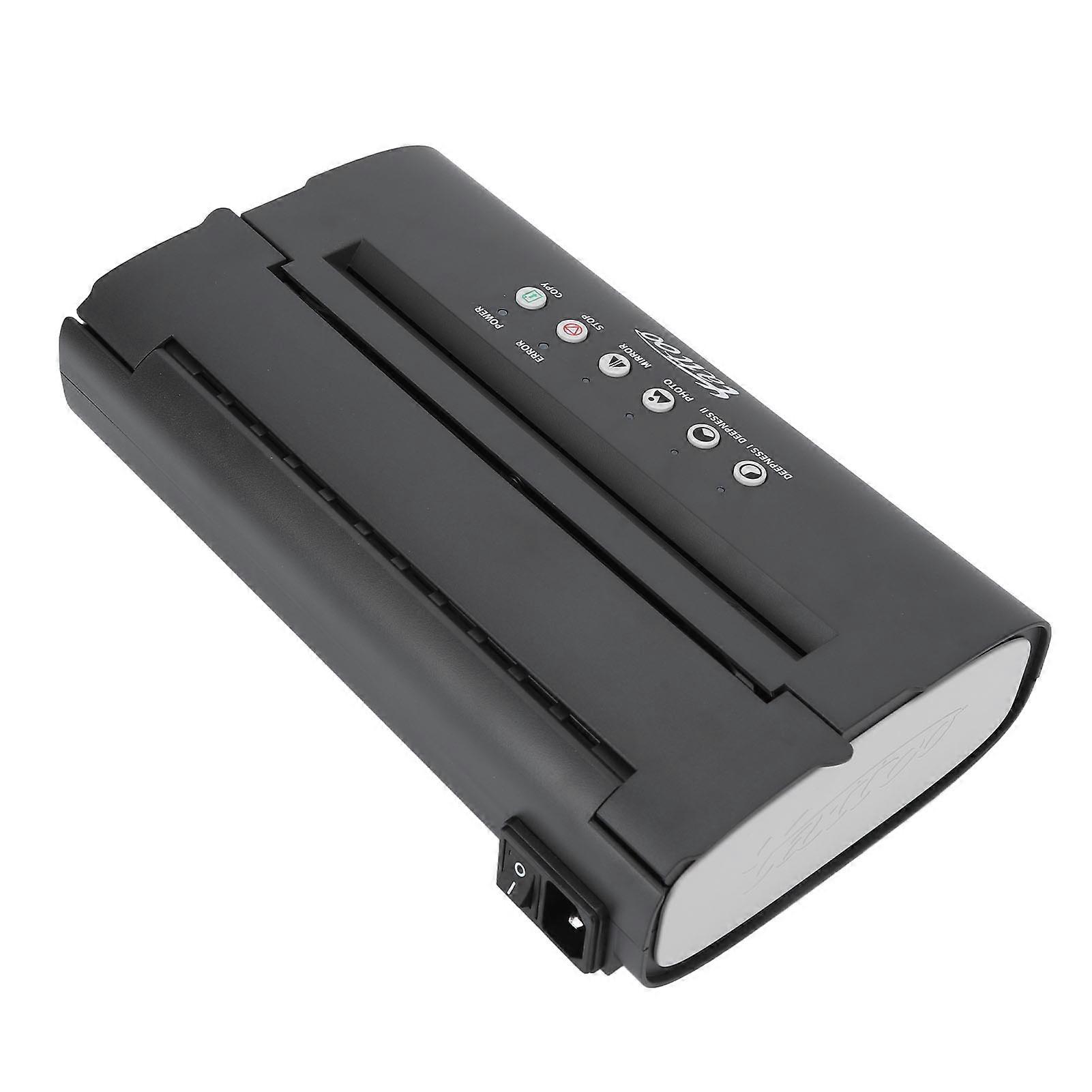
Tattoo Transfer Machine Thermal Copier Printer 210mm A4 UK Plug

NOK 1 599,00

Tattoo Transfer Machine Thermal Copier Printer 210mm A4 UK Plug
  • Merke: Unbranded
Solgt av:

Tattoo Transfer Machine Thermal Copier Printer 210mm A4 UK Plug
  • Merke: Unbranded

NOK 1 599,00

Spar NOK 450,00 (21%)

Veiledende pris

NOK 2 049,00
Ikke tilgjengelig for øyeblikket

14-dagers returpolicy

Solgt av:

NOK 1 599,00

Spar NOK 450,00 (21%)

Veiledende pris

NOK 2 049,00
Ikke tilgjengelig for øyeblikket

14-dagers returpolicy

Betalingsmåter:

Beskrivelse

Tattoo Transfer Machine Thermal Copier Printer 210mm A4 UK Plug
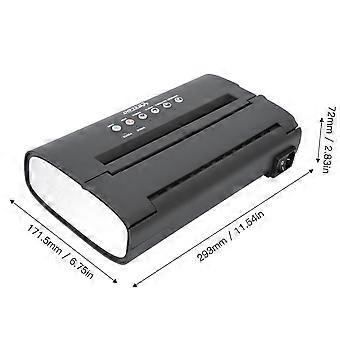
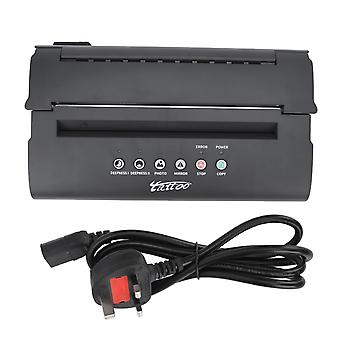
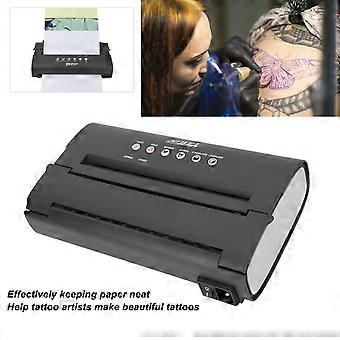
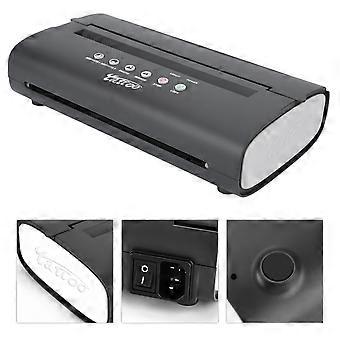
Tattoo Transfer Machine High Speed Low Noise Heat Dissipation Thermal Tattoo Pattern Copier Printer 100‑240V UK Plug Item Type: Tattoo Transfer Stencil Machine Material: ABS, electronic components Scanning Mode: CIS Effective Scan Width: Approx. 210mm / 8.27in Scanning Resolution: Horizontal: 8dot/mm, vertical: 7.7line/mm Document Type: FINE/PHOTO Document Size: A5 to A4 File Thickness: Approx. 0.06mm-0.15mm  Recording Mode: TPH Effective Printing Width: 210mm / 8.27in Power Consumption: Standby 5W Working Environment Temperature: 5℃ to 35℃ Relative Humidity: 20% to 80% Size: Approx. 293 x 171.5 x 72mm / 11.54 x 6.75 x 2.83in Weight: Approx. 1.2kg / 2.65lb Different key combinations of different transfer modes. Depending on the type of manuscript, you can set different key combinations on the panel, choose different transfer modes. Key Combination: PHOTO: Pure black fine line manuscript light off, pure black block manuscript light off, lighter gray manuscript light on, darker gray manuscript light on. DEEPNESS 1: Pure black fine line manuscript light off, pure black block manuscript light on, lighter gray manuscript light off, darker gray manuscript light on. DEEPNESS 11: Pure black fine line manuscript light on, pure black block manuscript light off, lighter gray manuscript light on, darker gray manuscript light off. Note: 1. In order to obtain better transfer effect, the machine should rest for several minutes after 1 to 2 sheets of paper are transferred. 2. In order to maintain the machine, please do not transfer it continuously. It is recommended to cool it after use. 3. Tattoo template machine is not suitable for complex tattoo shader patterns, can only display a single tattoo effect. It is recommended to transfer lines and simple patterns for best results. 1. Panel Description: DEEPNESS I: The indicator lights up and the manuscript concentration is set to depth I at the same time as DEEPNESS II The button indicator light will go off. DEEPNESS II: The indicator lights up, the manuscript concentration is set to depth II, and DEEPNESS I The button indicator light will go off. PHOTO: Press this key to switch between picture and fine. If it is picture, the indicator will light up. MIRROR: Press this key to switch between mirror copy and ordinary copy. MIRROR is used by default, if it is a mirror copy, the light will be on. STOP: Stops the transfer. COPY: After inserting the manuscript, press this key to start transferring. POWER: Power indicator, the indicator light will be on after the machine is powered on. ERROR: Indicates the error indicator. The indicator is on when the thermal sensor overheats. 2. Adjust the scanning depth and transfer depth of the machine You can adjust the scan depth and print depth of the machine according to actual needs. The steps are as follows: (1) Long press the STOP button for 3 seconds, the machine drops a sound, and the indicators are all on. (2) Press STOP to adjust the scanning depth. Drop 1 is the deepest and beep 7 times is the shallowest. (3) Press COPY to adjust the transfer depth, drop 1 sound transfer the shallowest, beep 7 times is deepest. (4) Long press the STOP button for 3 seconds, the machine will beep, and the indicator light will recover, that is, the scanning and printing depth will be completed adjust. 3. How to calibrate the machine Machine in the brightness of the image sensor and thermal sensor on the surrounding environment and temperature are very sensitive, will change with the passage of time and natural, copy image and the original image color difference is bigger, please scan the calibration, operation steps are as follows: (1) press the "STOP" button for 3 seconds, can hear the "beep" sound to the machine, all the lights lit up. (2)Insert a flat PIECE of A4 paper into the paper feeder and press the "MIRROR" key to scan and calibrate. (3) Automatic paper feeding during the calibration process, and complete scanning calibration after spitting out a complete white paper. (4) Press the "STOP" button for 3 seconds, hear the machine "beep", all indicators return to normal, that is, the calibration is completed. 4. Usage (1) Power on and turn on the power switch. (4) Set the improved printing mode, press the start button to start the transfer.  
  • Fruugo-ID: 412639130-872415130
  • EAN: 9411336383803

Levering og retur

Sendes i løpet av 24 timer

Sendes fra Kina.

Vi gjør vårt beste for å sikre at produktene du bestiller, leveres til deg i sin helhet og i samsvar med dine spesifikasjoner. Skulle du likevel motta en ufullstendig bestilling eller andre varer enn dem du bestilte, eller hvis du av en eller annen grunn ikke er fornøyd med bestillingen, kan du returnere bestillingen eller enkeltvarer i bestillingen og motta full refusjon for varene. Se fullstendige retningslinjer for retur

Produktoverholdelsesdetaljer

Vennligst se samsvarsinformasjonen som er spesifikk for dette produktet skissert nedenfor.

Følgende informasjon er gitt av den uavhengige tredjepartsforhandleren som selger dette produktet.

Produsent:
Følgende informasjon skisserer kontaktinformasjonen til produsenten av det aktuelle produktet som selges på Fruugo.

  • Guangzhoushiyiangongchuangwangluojishu Co.Ltd
  • Guangzhoushiyiangongchuangwangluojishu Co.Ltd
  • Room 201, Area B, No. 280, Zhongshan Avenue East
  • Huangpu District,Guangzhou City, Guangdong Provin
  • China
  • Guangzhou
  • CN
  • 511363
  • firzen.pan@gmail.com
  • 861912865631

Ansvarlig person i EU:
Følgende informasjon skisserer kontaktinformasjonen til den ansvarlige personen i EU. Den ansvarlige personen er den utpekte økonomiske aktøren basert i EU, som er ansvarlig for samsvarsforpliktelsene knyttet til det relevante produktet som selges til EU.

  • SUCCESS COURIER SL
  • SUCCESS COURIER SL
  • CALLE RIO TORMES NUM. 1, PLANTA 1, DERECHA, OFICINA 3
  • Fuenlabrada , Madrid
  • Spain
  • Madrid
  • ES
  • 28947
  • successservice2@hotmail.com
  • 34910602659